Collect logs for a bug report
A log from around the time of a problem is often the fastest way to find its cause. Open Settings > Debug.
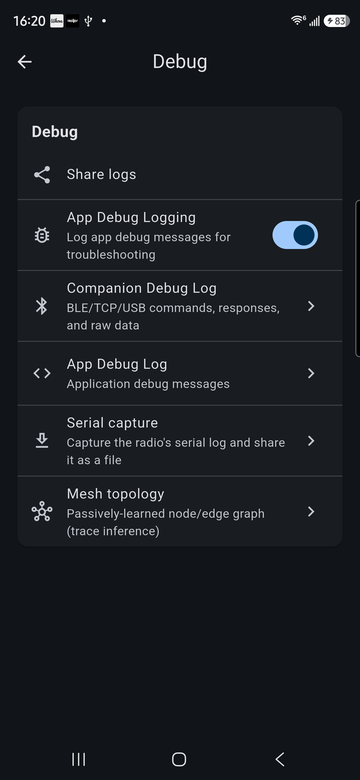
- Turn on App Debug Logging, if it isn't already, and reproduce the problem.
- Tap Share logs and attach the file to your bug report.
- In the report, say which radio, firmware version and app version you use (Settings > Device Info and Settings > About), what you did, what you expected and what happened.
What's in the logs
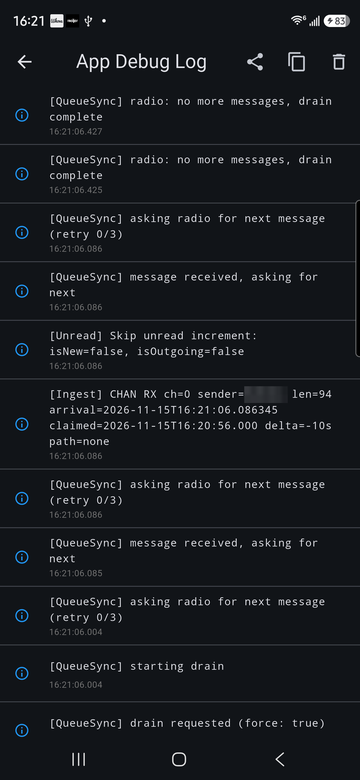
- App Debug Log: what the app did, such as syncing messages, saving settings and deciding whether to notify you.
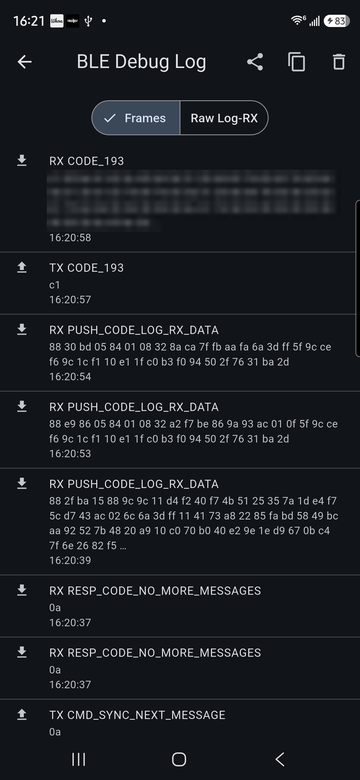
- Companion Debug Log: every frame sent to and received from your radio.
- Serial capture: records the radio's own serial log and shares it as a file.
- Mesh topology: the nodes and links the app has learned from routed packets.
Before you share
Logs can contain contact names, public keys, message text and your radio's location, sometimes in encoded form, such as a GPS reply shown as hex in the companion log. Read through a log before posting it publicly, or send it privately.