Log in to and manage a repeater
Repeaters appear in your Contacts list with an antenna icon. Tap one to log in.
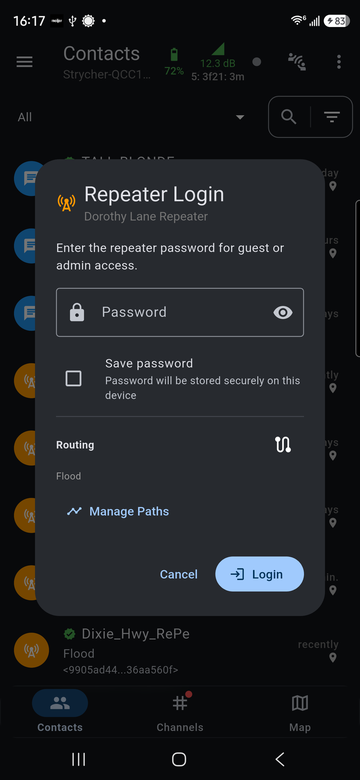
Enter the repeater's guest or admin password. Tick Save password to keep it on this device. Manage Paths chooses the route used to reach the repeater, the same way as for a direct message. Room servers use the same login.
After logging in, the repeater's page opens:
| Page | Guest | Admin |
|---|---|---|
| Status | Yes | Yes |
| Telemetry | Yes | Yes |
| Neighbors: the repeaters it hears directly | Yes | Yes |
| CLI: the repeater's command line | Yes | |
| Settings: name, radio and other repeater settings | Yes |
Repeater firmware and its commands are covered in the Offband firmware manual.