Set your radio's frequency and presets
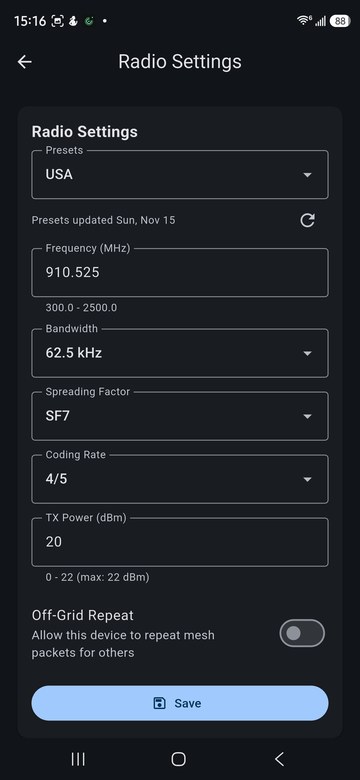
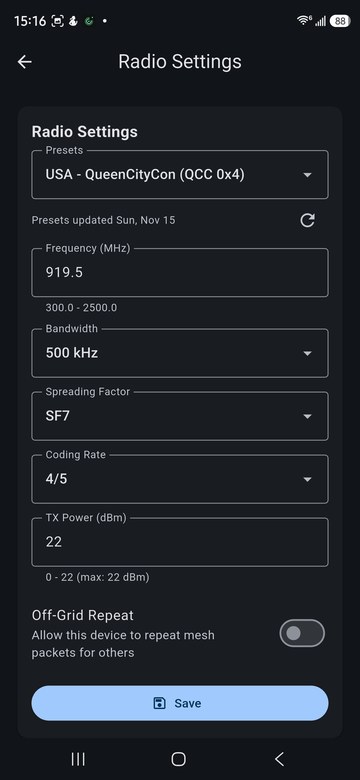
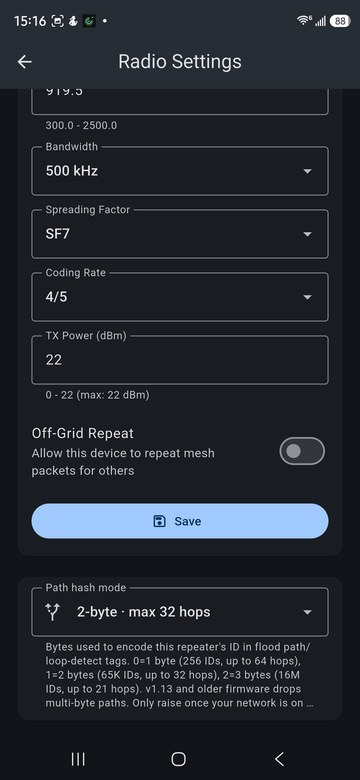
Radios only hear each other when they use the same frequency, bandwidth, spreading factor and coding rate. Open Settings > Radio Settings.
Pick a preset
The Presets list sets all four values at once. Presets are grouped by country. Each is labeled MeshCore, from MeshCore's suggested regional settings, or Offband, for presets Offband adds, such as event and local-mesh settings. The date under the list shows when the presets were last updated; tap the refresh button to fetch the latest.
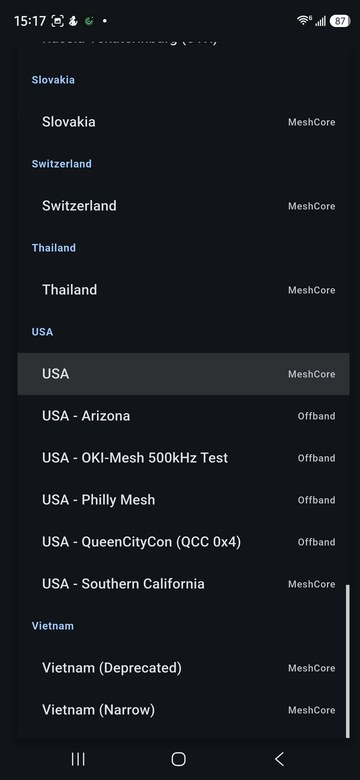
In the United States, use USA unless your local mesh or an event tells you otherwise.
Set values by hand
You can also enter the frequency, bandwidth, spreading factor, coding rate and transmit power yourself. The hint under each field shows the range your radio accepts. Tap Save to write the settings to the radio.
- Off-Grid Repeat lets your companion radio repeat other people's packets.
- Path hash mode sets how many bytes identify each repeater in a route. More bytes mean fewer collisions between repeater IDs but fewer hops per route. Radios on firmware 1.13 or older drop multi-byte routes, so raise it only once your local network has updated.
Check the radio
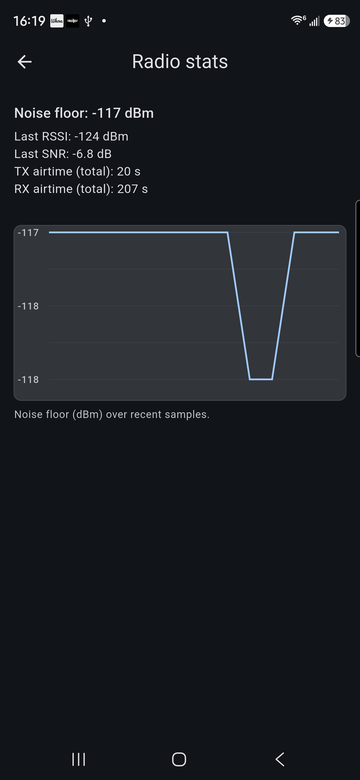
Settings > Radio stats shows the noise floor, the signal strength and SNR of the last packet, and total transmit and receive airtime.
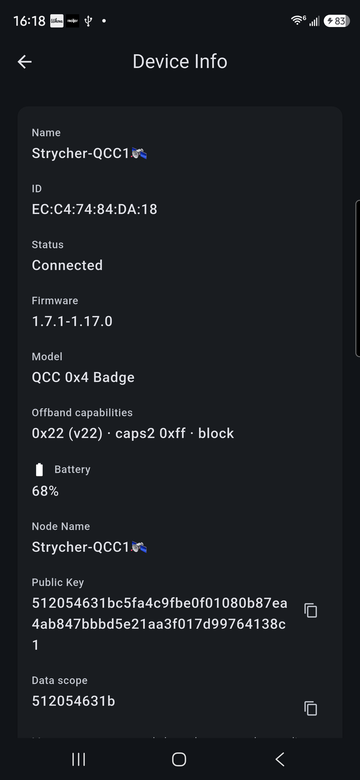
Settings > Device Info shows the radio's firmware version, model and capabilities.