Control location and privacy
Your radio's location
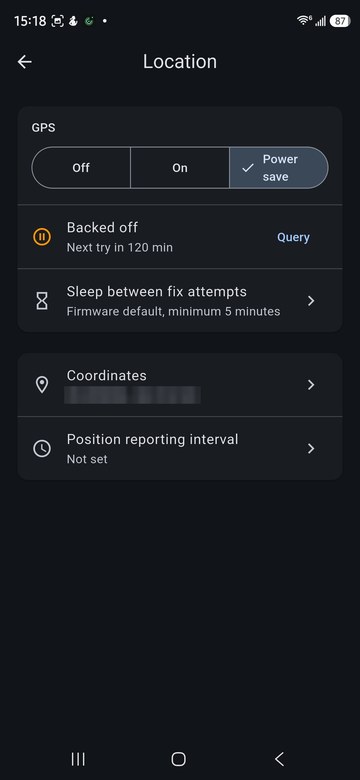
Settings > Location controls the radio's GPS, on radios that have one:
- Off, On, or Power save, which takes a fix and then sleeps.
- Sleep between fix attempts sets how long power save waits.
- Coordinates shows and sets the position your radio reports.
- Position reporting interval sets how often the position is sent.
If the radio can't get a fix it backs off and shows when it will try again; Query asks it now.
What your radio shares
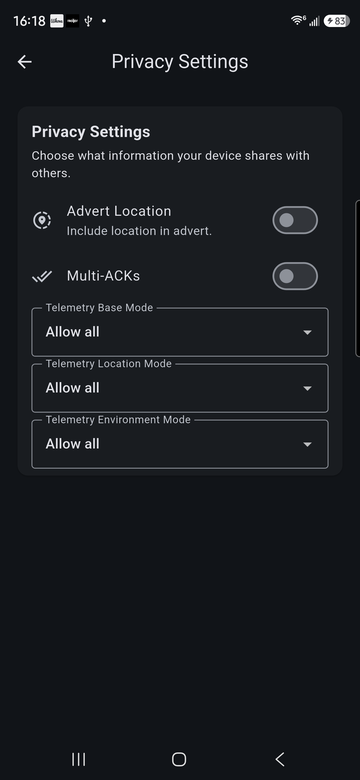
Settings > Privacy Settings:
- Advert Location includes your position in the advert other radios receive.
- Multi-ACKs sends extra delivery confirmations.
- Telemetry Base, Location and Environment Mode choose who may request each kind of telemetry from your radio.
Each contact can also be allowed or refused individually under that contact's Contact Settings; see Message contacts directly.
What contacts are added
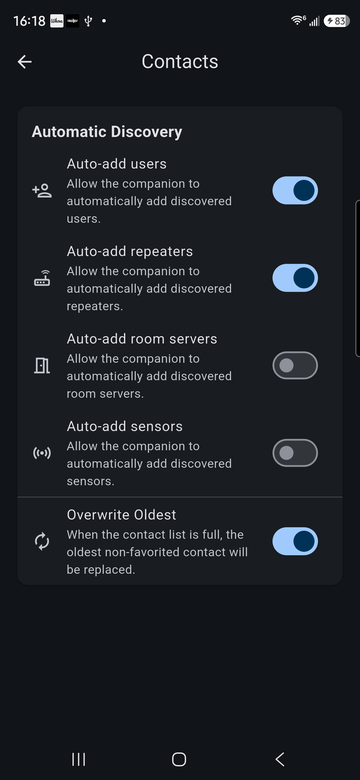
Settings > Contacts chooses which kinds of node your radio adds automatically when it hears them: users, repeaters, room servers and sensors. Overwrite Oldest replaces the oldest contact that isn't a favorite when the list is full.
Blocking
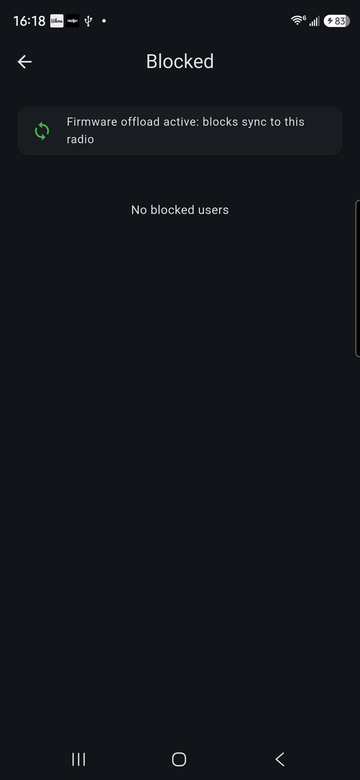
Block a contact from its chat menu. Blocked contacts are listed under Settings > Blocked. On radios that support it, the block list is also stored on the radio.