Choose notifications, sounds and radio tones
There are two separate things that can alert you:
- Phone notifications come from the app on your phone or computer.
- Radio sounds come from the buzzer on the radio itself, on radios that have one and run firmware that supports it.
App notifications
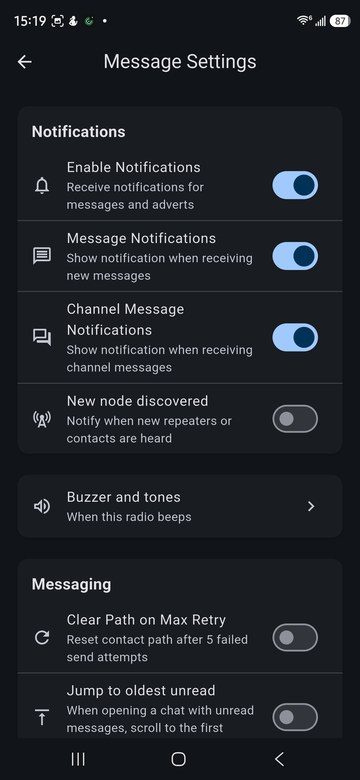
Settings > Message Settings turns app notifications on or off for direct messages, channel messages and newly heard nodes.
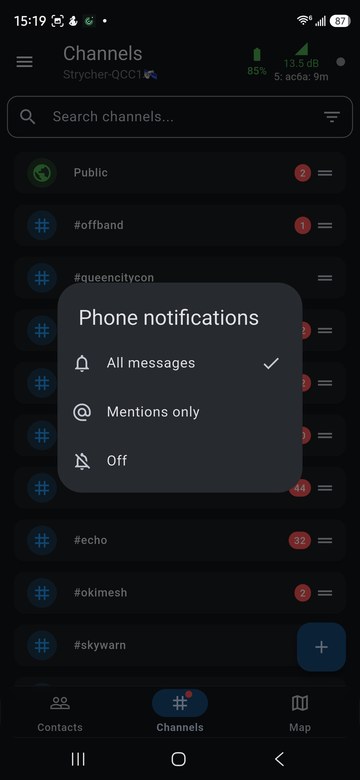
Each channel also has its own setting. Long-press the channel and choose Phone notifications: All messages, Mentions only, or Off.
The radio's buzzer
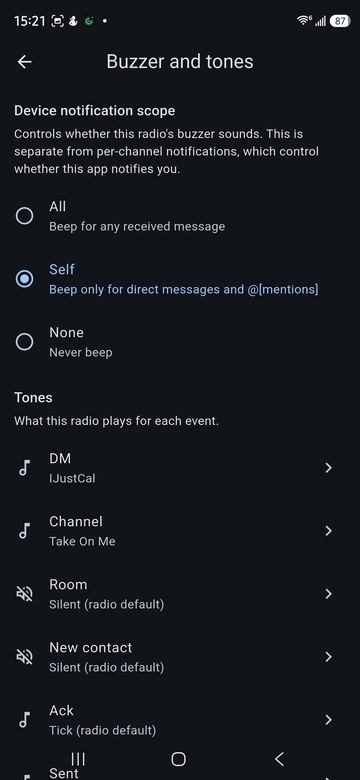
Settings > Message Settings > Buzzer and tones sets when the radio beeps:
- All: for any received message.
- Self: only for direct messages and @mentions of you.
- None: never.
Below that, Tones picks what the radio plays for each event: a direct message, a channel message, a room message, a new contact, an acknowledgement and a sent message.
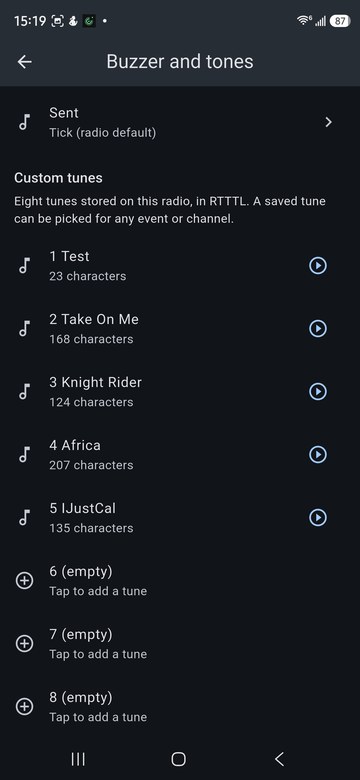
Custom tunes
The radio stores eight custom tunes in RTTTL format. Tap an empty slot to add one, and the play button to hear it on the radio. A saved tune can be picked for any event or channel.
Per channel
Long-press a channel to override the radio for that channel:
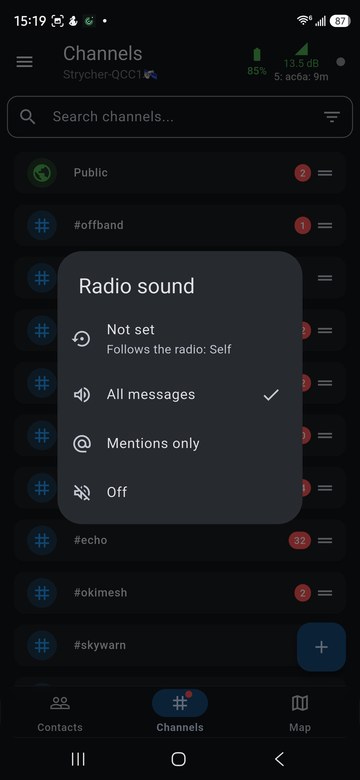
- Radio sound: Not set (follow the radio's setting), All messages, Mentions only, or Off.
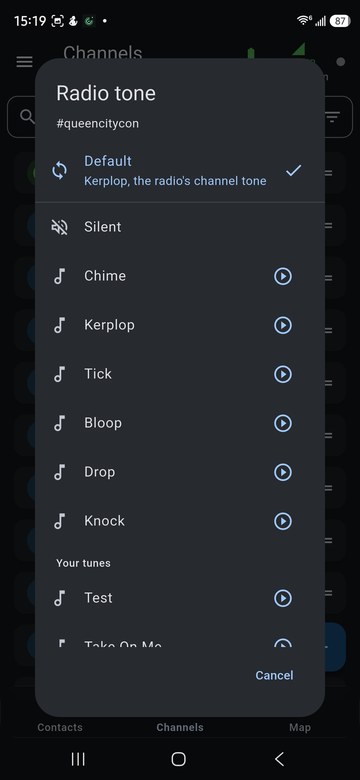
- Radio tone: the tone this channel plays, from the built-in tones or your custom tunes.